Why You Need an Operator Tag
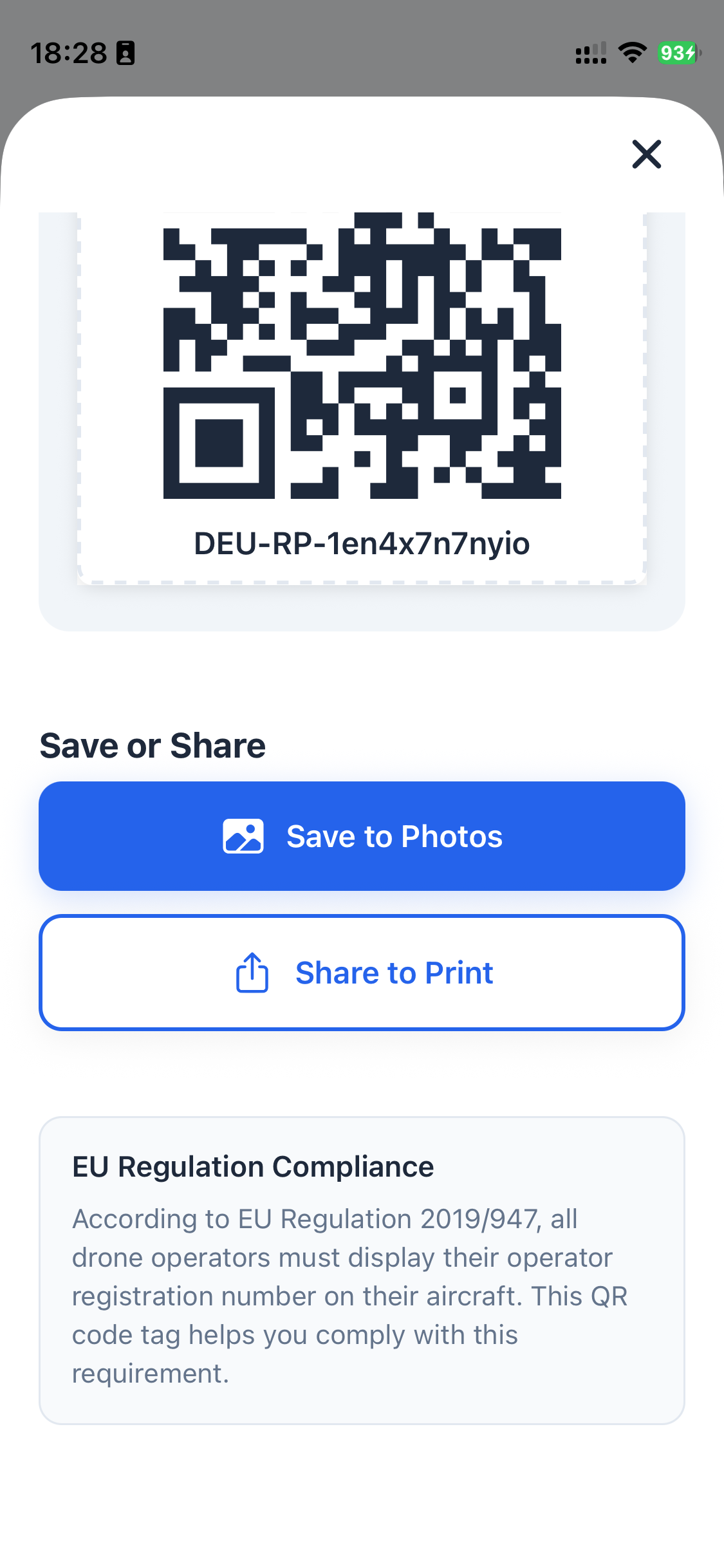
EU Regulation 2019/947 is clear: every drone operator must display their registration number on each unmanned aircraft they fly. This is not optional. It is a legal requirement across all 27 EU member states plus Norway, Iceland, Liechtenstein, and Switzerland.
The purpose is simple — identification. If your drone is involved in an incident, makes an emergency landing, or is found by someone, the operator tag allows authorities or the public to identify who is responsible for the aircraft. Think of it as a license plate for your drone.
How PilotPocket Makes It Easy
Generating your operator QR tag in PilotPocket takes seconds:
- Enter your operator registration number (the one issued by your national aviation authority when you registered as a UAS operator)
- PilotPocket generates a high-resolution QR code that encodes your operator information
- Print the tag on adhesive paper or a durable label
- Attach it to each drone in your fleet
The QR code is sized and formatted specifically for drone use — compact enough to fit on small aircraft, but with enough resolution to be scannable even when printed at small sizes.
What Happens When Someone Scans Your Tag
When a person scans the QR tag on your drone — using any smartphone camera — they are directed to a page that displays your operator registration details. This allows law enforcement to quickly verify your identity during inspections, and it gives members of the public a way to reach the operator if they find a drone that has landed unexpectedly or been lost.
This is particularly valuable in situations where your drone might land away from you — a forced landing due to low battery, a flyaway, or a controlled emergency descent. Instead of an anonymous piece of technology sitting in someone's garden, your drone carries clear identification back to you.
Durable Enough for Flight
We recommend printing your QR tag on waterproof adhesive label paper, which is readily available and inexpensive. A properly printed and laminated tag will withstand rain, UV exposure, and the vibrations of flight. For extra durability, consider a clear protective overlay after applying the sticker.
Place the tag on a flat, visible surface — the top of the drone body, the underside of an arm, or inside the battery compartment. The key requirement is that it must be readable without using tools to disassemble the aircraft.
Get Compliant in Minutes
Download PilotPocket, generate your operator QR tag, and be fully compliant with EU drone regulations.
Download on the App StoreFrequently Asked Questions
Explore More Features
Drone Fleet Management
Manage all your drones in one place. Model, serial number, weight class, and C-class marking.
Apple Wallet Drone License
Carry your EASA certificate as an Apple Wallet pass. Show it instantly, works offline.
EU Operator Registration Guide
Learn how to register as a drone operator in your EU member state.