See Where You Can and Cannot Fly
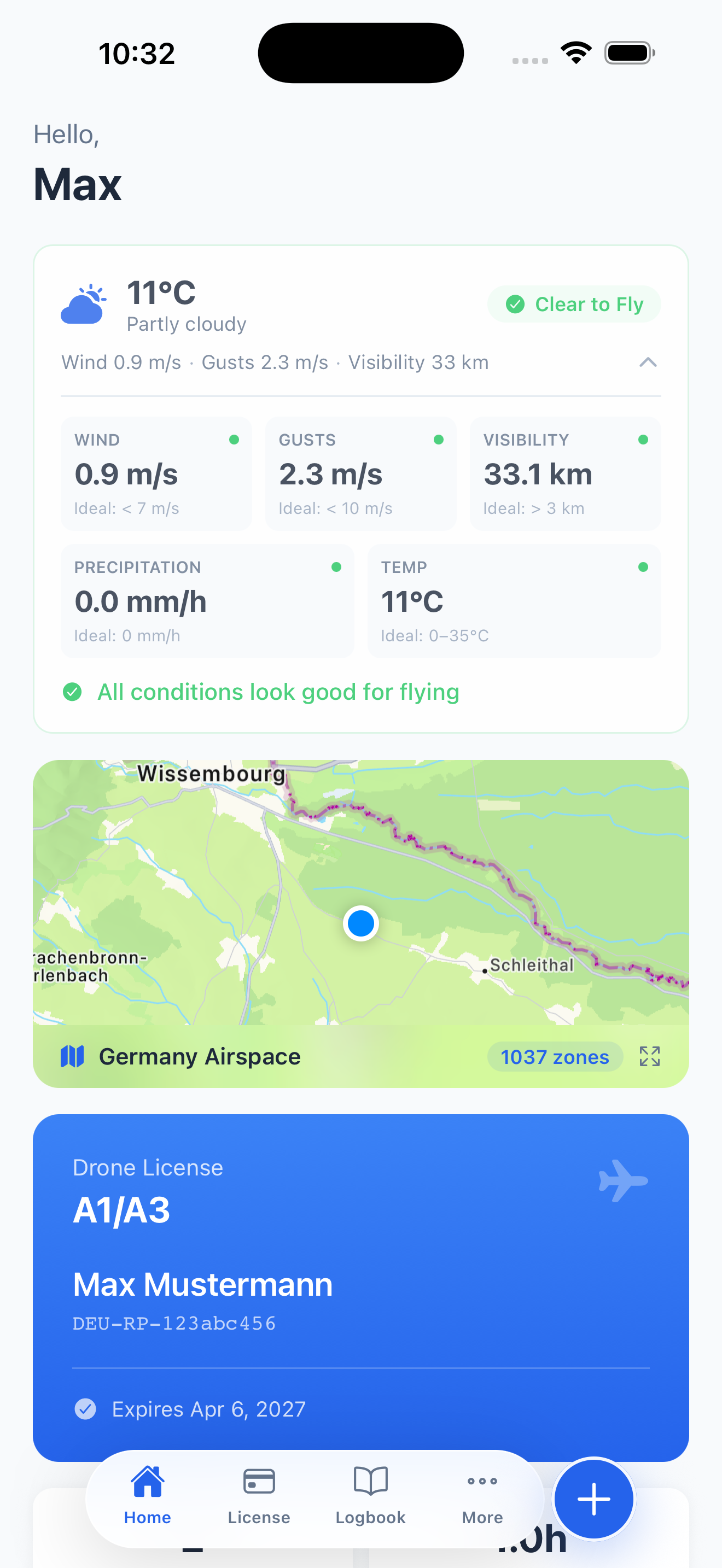
Before every flight, the first question is always the same: can I fly here? PilotPocket's airspace map gives you the answer instantly. Open the map, see your location, and immediately understand the airspace around you — no-fly zones in red, restricted areas in orange, caution zones in yellow.
The map is designed for drone pilots, not airline dispatchers. It filters out the noise and shows you exactly what matters for low-altitude UAS operations under EASA and UK CAA regulations.
What the Map Shows
The airspace map combines multiple data layers into a single, easy-to-read view:
- No-Fly Zones — Airports, military airfields, and permanently restricted areas where drone flights are prohibited
- Controlled Airspace — Areas requiring authorization before flying, including CTRs and TMAs around major airports
- Geo-Zones — EASA-defined geographical zones with specific drone operating conditions or restrictions
- Nature Reserves — National parks, wildlife sanctuaries, and protected areas where drone use may be restricted
- Sensitive Facilities — Hospitals, prisons, government buildings, embassies, and power plants with local drone restrictions
- Helipads & Airstrips — Smaller aviation facilities that are easy to miss but create restricted zones
54,000+ Points of Interest
Beyond official airspace zones, PilotPocket includes over 54,000 points of interest sourced from OpenStreetMap across Europe. Each POI is categorized and includes a plain-language description explaining why drone operations may be restricted in that area.
This means you will see not just the major airports and military bases, but also the local hospital, the nearby prison, the nature reserve across the river, or the embassy down the street — all places where flying a drone could cause problems or violate local regulations.
Color-Coded Zone System
The map uses an intuitive color system so you can assess your surroundings at a glance:
- Red zones — No-fly. Do not operate your drone in these areas under any circumstances without explicit authorization
- Orange zones — Restricted. Flight may be possible with proper authorization or under specific conditions
- Yellow zones — Caution. Be aware of potential restrictions or increased risk. Check local rules before flying
- Green areas — Generally clear for drone operations, subject to standard EASA/CAA rules (max altitude, VLOS, etc.)
Built for Real-World Flight Planning
The map centers on your current GPS location, so you always start with what is most relevant. Zoom out to plan a route, zoom in to check a specific location. Tap any zone or POI to see its details — what type of restriction applies and why.
Pair the airspace map with PilotPocket's real-time flying conditions assessment to get the complete picture: is the airspace clear, and is the weather safe to fly?
Check Your Airspace Now
Download PilotPocket and see exactly where you can fly — before you leave the house.
Download on the App Store